
How AirSome Works
Get AI-powered summaries of Airbnb reviews in seconds, not minutes
1
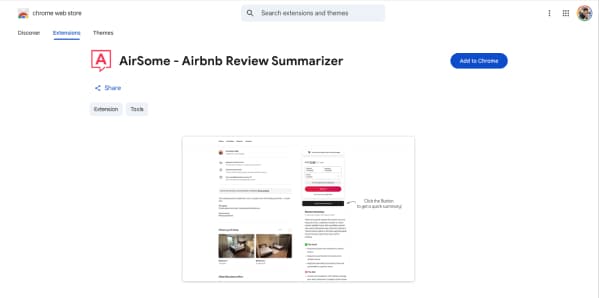
Install the Extension
Add AirSome to your Chrome browser from the Chrome Web Store. It's free to install and takes just a few seconds.
2
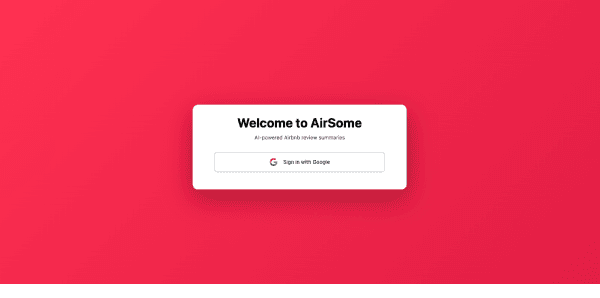
Sign In to Get Started
Sign in with your Google account to get 50 free summaries. No credit card required.
3
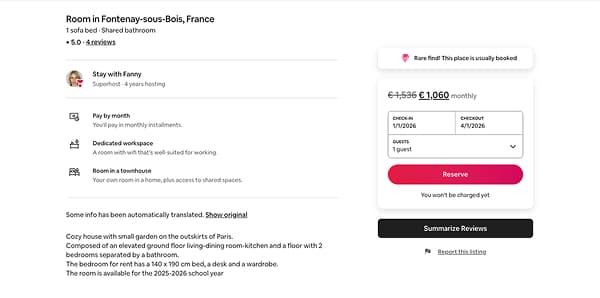
Visit an Airbnb Listing
Navigate to any Airbnb listing page. You'll see a "Summarize Reviews" button appear below the booking sidebar.
4
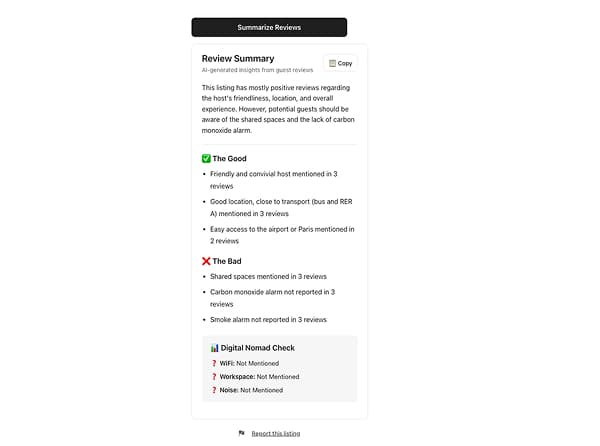
Get Instant Insights
Click the "Summarize Reviews" button and receive a comprehensive summary highlighting key pros, cons, and important details from all the reviews.
Ready to save time on your next booking?
Install AirSome now and get 50 free summaries.
Get Started Free